Your shop floor is behind schedule even with an ERP because most ERP systems plan production using infinite capacity — they calculate dates based on due dates and lead times, but never check whether your machines, operators, or materials are actually available at that moment. The result is a schedule that looks correct in the system but falls apart the moment it meets real production conditions. The sections below break down exactly why this happens and what you can do about it.
What does an ERP actually do on the shop floor?
An ERP manages the flow of information across your business — orders, inventory, procurement, finance, and production work orders. On the shop floor, it generates work orders, assigns due dates, and tracks material requirements. What it does not do is manage the real-time execution of those orders against actual capacity and live constraints.
Think of an ERP as a very capable administrative system. It knows what needs to be produced and when it is supposed to be ready. It does not know that one of your CNC machines has been down since Tuesday, that a key operator called in sick, or that a batch of raw material arrived two days late. It records those events after the fact, but it does not proactively reschedule around them.
This distinction matters enormously. ERP production planning is built for business-level coordination, not for the minute-by-minute realities of a live production environment. The shop floor needs something more dynamic.
Why do production schedules fall apart at the shop floor level?
Production schedules fall apart at the shop floor level primarily because ERP systems plan with infinite capacity. They backward-schedule from a due date and assume every resource will be available exactly when needed. As soon as one real-world constraint appears, the entire sequence can unravel.
Infinite capacity planning is the core issue. When an ERP creates a schedule, it does not ask whether machine A is already booked, whether operator B is on a different shift, or whether tooling C needs recalibration. It simply assigns dates. The shop floor then receives a stack of work orders with overlapping demands on the same resources, and supervisors are left to sort it out manually.
Beyond capacity, there are several other common failure points:
- Material delays: A late delivery shifts every downstream operation, but the ERP schedule does not automatically adjust.
- Unplanned downtime: Machine breakdowns are invisible to static schedules until someone manually intervenes.
- Priority conflicts: Rush orders inserted mid-week displace existing jobs, creating a ripple effect that the original schedule never accounted for.
- Sequence dependencies: Some operations must follow a specific order for technical reasons — ERP scheduling often ignores these nuances.
Each of these is a normal part of manufacturing. The problem is not that disruptions happen. The problem is that most ERP systems have no mechanism to respond to them in real time.
What’s the difference between ERP scheduling and advanced production scheduling?
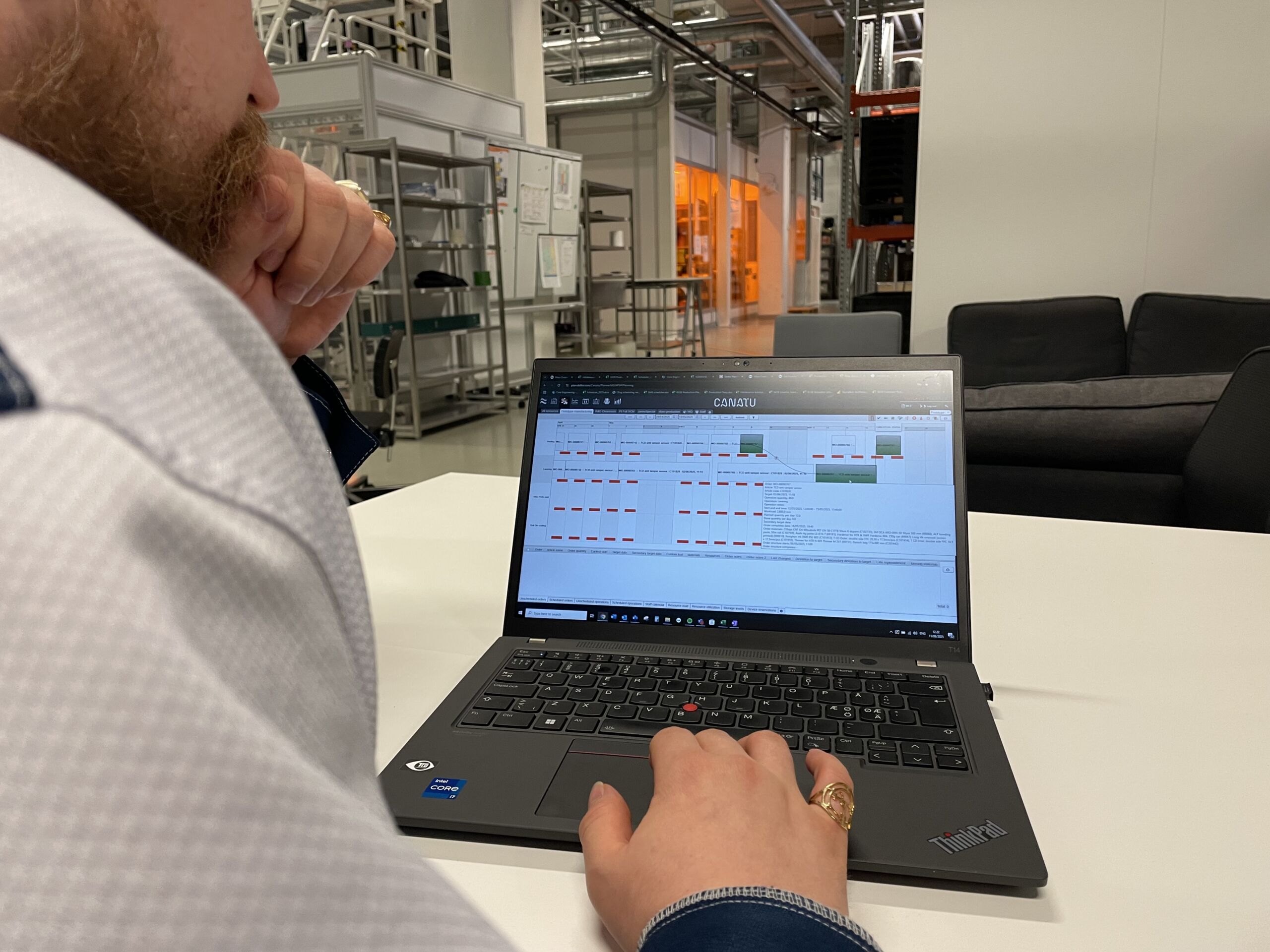
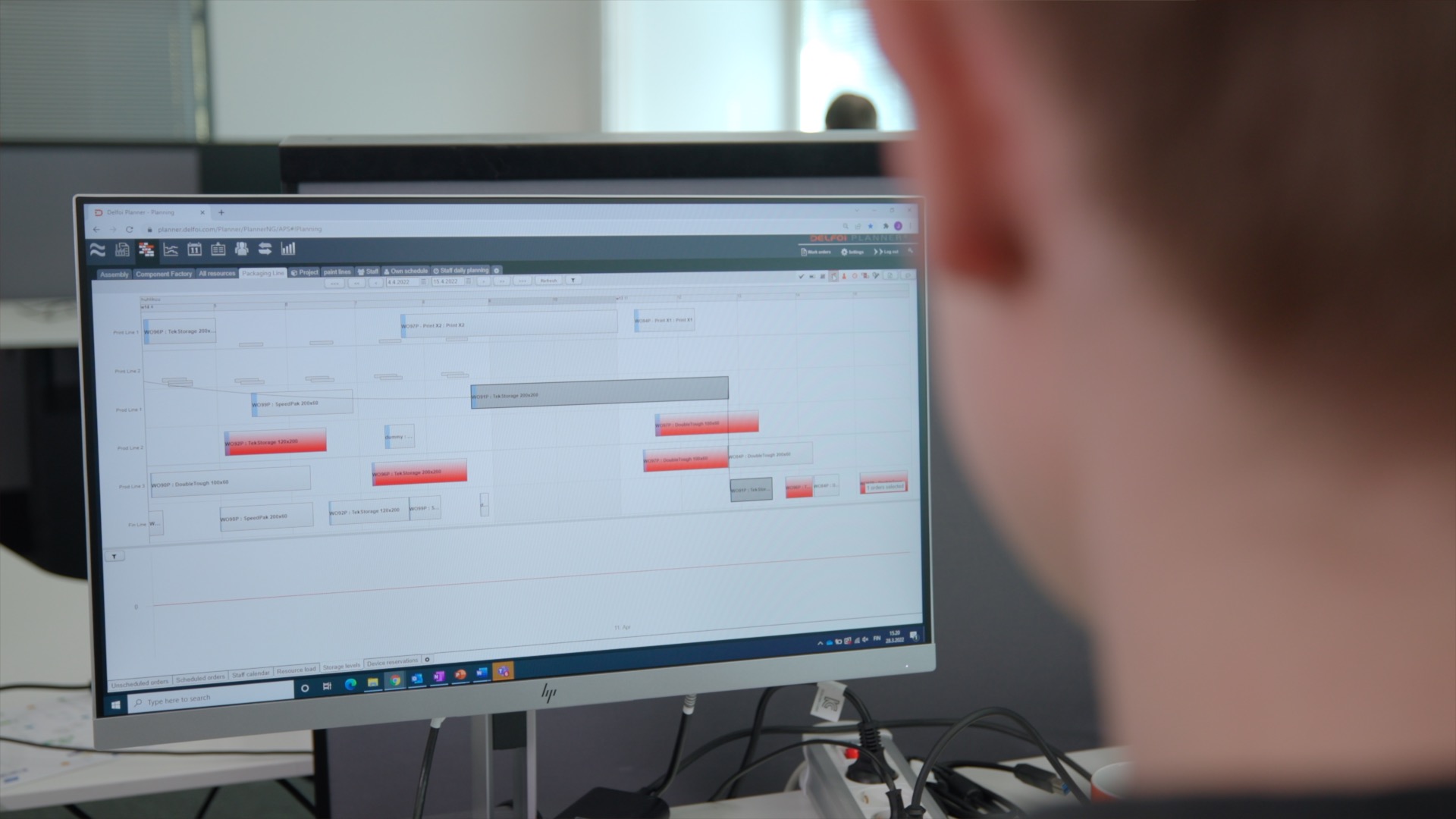
ERP scheduling is rule-based and capacity-blind — it calculates when work should happen based on lead times and due dates. Advanced production scheduling (APS) is constraint-aware and dynamic — it builds sequences around what is actually possible given real machines, real staff, real tooling, and real materials at any given moment.
The practical difference is significant. An ERP might tell you that an order is due on Friday and back-calculate a start date of Wednesday. An APS tool looks at Wednesday and asks: is the required machine free? Is the right operator available? Is the material in stock? If the answer to any of those is no, it finds the next viable slot and adjusts the entire sequence accordingly.
APS systems also handle rescheduling. When a disruption occurs, an advanced scheduling layer for production planning can recalculate the entire production sequence in minutes, showing supervisors a realistic picture of what is achievable and what needs to be communicated to customers. ERP systems require manual intervention to achieve the same result, which takes time and introduces human error.
The two systems are not competitors. APS sits on top of your ERP, uses its data, and writes achievable dates back into it. The ERP remains the system of record; the APS layer makes the schedule actually workable on the floor.
How does poor shop floor visibility cause delays?
Poor shop floor visibility causes delays because supervisors and planners cannot see what is actually happening in real time. When the status of jobs, machines, and operators is unknown or out of date, decisions are made on assumptions rather than facts, and problems are caught late rather than early.
Visibility gaps compound quickly. If a planner does not know that a job is running two hours behind until the end of the shift, the downstream operations that depended on it are already affected. By the time the information travels from the floor to the planning office and back, the delay has grown.
Real-time shop floor visibility changes this dynamic. When planners can see live job status, machine utilization, and operator assignments, they can intervene early, reassign work, and communicate realistic timelines to customers before a small delay becomes a missed delivery. Transparency is not just a reporting benefit. It is a direct input into production control decisions that determine whether the shop floor stays on schedule or falls further behind.
What tools help keep the shop floor on schedule alongside an ERP?
The tools that most effectively keep the shop floor on schedule alongside an ERP are advanced planning and scheduling systems, manufacturing execution systems (MES), and real-time data collection tools. Used together, they close the gap between what the ERP plans and what actually happens on the floor.
- Advanced Planning and Scheduling (APS): Builds finite, constraint-based schedules that account for real resource availability. Recalculates sequences dynamically when disruptions occur.
- Manufacturing Execution Systems (MES): Track job progress, machine status, and operator activity in real time, feeding live data back to planners.
- Digital work order management: Replaces paper-based job tracking with digital status updates, reducing information lag between the floor and the planning office.
- Capacity visualization tools: Give planners a clear view of loading across machines and work centers, making it easy to spot bottlenecks before they become delays.
The key is integration. These tools deliver the most value when they are connected to your ERP rather than running as separate islands of information. The ERP handles the business logic; the scheduling and execution layer handles real-time production control.
When should a manufacturer add a scheduling layer on top of their ERP?
A manufacturer should consider adding a scheduling layer on top of their ERP when the gap between planned and actual production dates is a recurring problem, when planners spend significant time manually adjusting schedules, or when the shop floor regularly has to prioritize jobs informally because the official schedule is unreliable.
There are several clear signals that an ERP alone is no longer sufficient:
- Supervisors regularly override or ignore the ERP schedule because it does not reflect reality.
- Rush orders consistently disrupt the production sequence and cause downstream delays.
- Planners spend hours each week manually rebuilding schedules after disruptions.
- Customer delivery performance is declining despite what appears to be adequate capacity.
- There is no clear answer to the question “what will we actually produce tomorrow?”
For manufacturers running complex, multi-step production with shared resources, the case for a dedicated scheduling layer is strong. The ERP was not designed to solve this problem, and expecting it to do so creates a structural mismatch between planning and execution. We work with manufacturers who have reached exactly this point, and the consistent finding is that adding finite, constraint-based scheduling on top of an existing ERP produces faster, more reliable results than trying to configure the ERP to do something it was not built for.
If your shop floor is regularly behind schedule and your ERP data looks fine, the planning layer is almost certainly where the problem lives. Contact us to discuss your production challenges and find out how a dedicated scheduling layer can help.