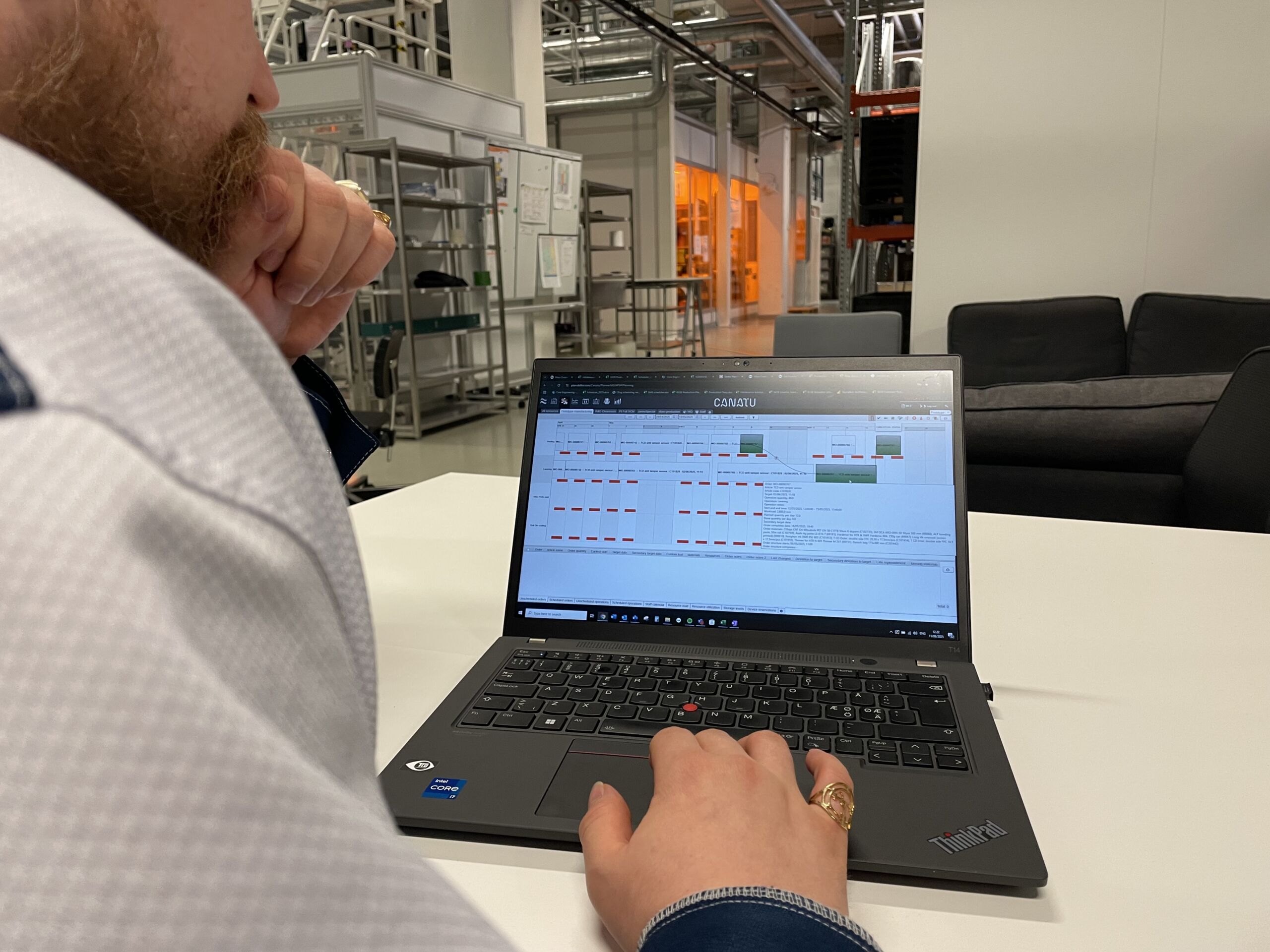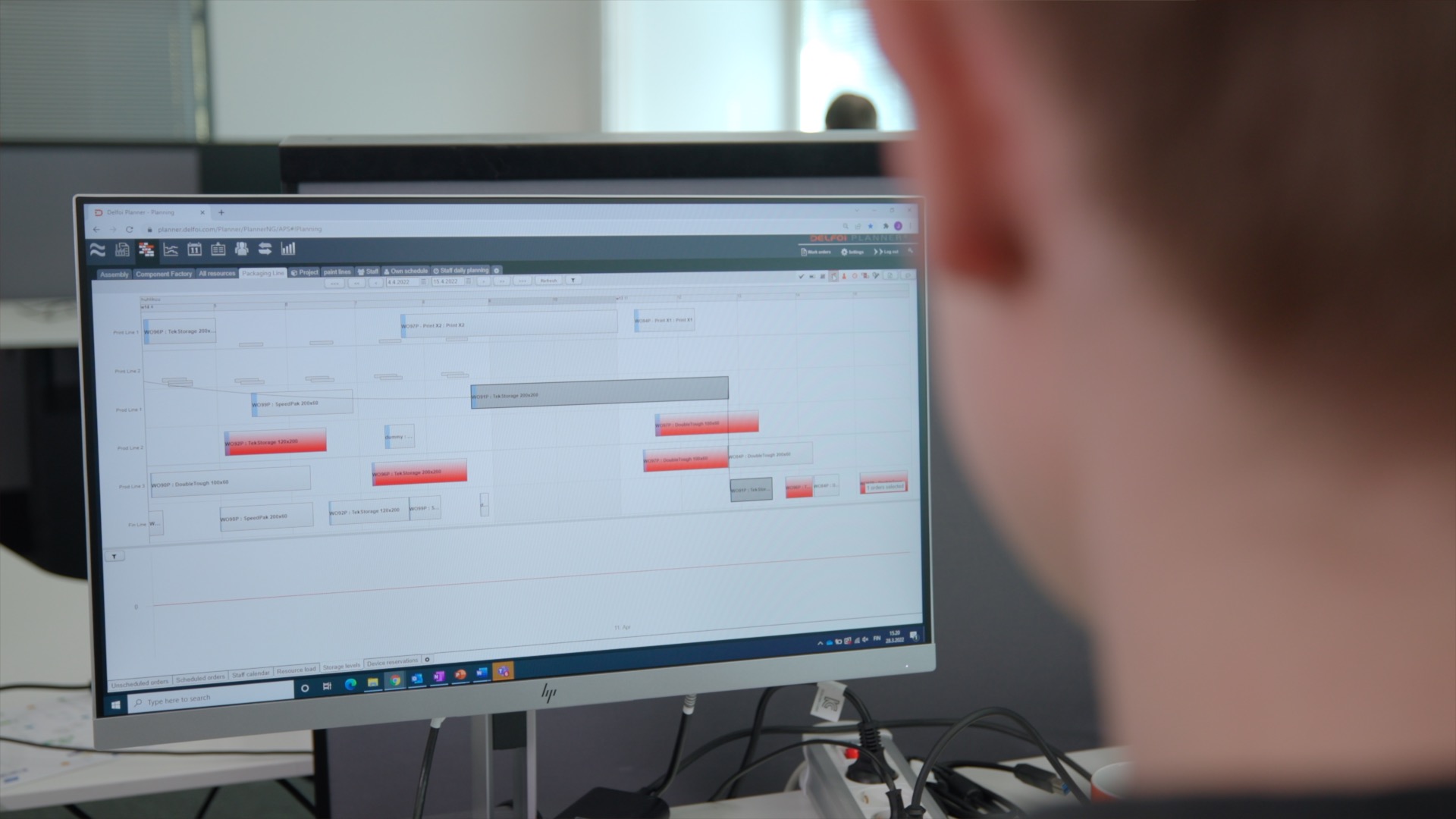
Real-time data synchronization refers to the instant and continuous exchange of data between real-time production scheduling software and Dynamics 365, allowing both systems to remain consistently updated. This immediate data transfer enhances operational efficiency by ensuring accurate inventory levels, streamlined scheduling, and timely decision-making. For instance, when production orders are updated within Delfoi Planner, the changes are instantly reflected in Dynamics 365, keeping all stakeholders informed and aligned in real-time.
What is real-time data synchronization between production planning software and Dynamics 365?
Real-time data synchronization is the process that enables the instantaneous updating of data between production planning solutions and Dynamics 365 ERP systems. It operates by establishing an automated integration, ensuring that any changes—such as product inventory updates, production schedules, or resource allocations—made in one system immediately reflect in the other. For example, when a production manager modifies a schedule in a planning tool like Delfoi Planner, Dynamics 365 updates inventory and resource availability accordingly, preventing discrepancies and delays.
Why is data synchronization important for production planning in Dynamics 365?
Real-time synchronization significantly impacts production planning in Dynamics 365 by delivering multiple benefits, including:
- Improved accuracy: Eliminates manual data entry errors by automating information transfer.
- Reduced delays: Instant updates prevent lag in information sharing across departments.
- Enhanced decision-making: Provides accurate, timely data enabling informed and proactive decisions.
- Operational efficiency: Streamlines workflows, reduces lead times, and improves resource utilization, ultimately driving productivity and profitability.
How does real-time data synchronization improve manufacturing processes?
Implementing real-time synchronization positively transforms manufacturing operations by enhancing key process areas:
- Inventory management: Accurate, up-to-date inventory tracking reduces excess stock, prevents shortages, and optimizes storage costs.
- Resource allocation: Real-time visibility ensures effective allocation and utilization of human resources, machinery, and materials, minimizing downtime.
- Production scheduling efficiency: Instantaneous schedule updates enabled by production scheduling software for Dynamics 365 allow faster adjustments and increased agility, reducing lead times and improving delivery reliability.
What challenges are encountered during integration of production planning software with Dynamics 365?
Although highly beneficial, integrating production planning software and Dynamics 365 presents several challenges:
- Software compatibility: Not all planning tools seamlessly integrate with Dynamics 365, leading to potential technical complexities.
- Data security concerns: Real-time data exchanges necessitate stringent cybersecurity measures to protect sensitive operational information.
- Staff training requirements: Employees may require training to adapt to the integrated system, which can temporarily impact productivity.
How can businesses ensure successful real-time synchronization between Dynamics 365 and production planning tools?
Selecting the right production planning software for Dynamics 365 is only the first step — how you implement and manage the integration determines whether synchronization delivers its full operational value. The following best practices draw on experience across manufacturing environments and address the most common points of failure.
Define your synchronization scope carefully
Before configuring any integration, identify precisely which data entities need to flow between systems — and which do not. Including every available data field increases processing overhead and introduces noise that can obscure meaningful operational signals. Focus on the entities that directly affect scheduling decisions: production orders, work center availability, material stock levels, and routing information. Entities such as historical cost aggregates or archived records are better handled through scheduled batch processes rather than real-time sync.
Match synchronization frequency to operational tempo
Not all data changes at the same pace, and treating every data type identically wastes resources. Production order status updates, for example, benefit from event-triggered real-time sync because a delay of even a few minutes can cascade into scheduling conflicts on the shop floor. Inventory aggregates, by contrast, can typically be synchronized on an hourly batch cycle without meaningful operational impact. Mapping your data entities to the appropriate frequency — event-driven, near-real-time, or scheduled batch — keeps the integration performant and cost-effective.
Establish clear data governance rules
When both Dynamics 365 and your planning tool can write to the same data field, conflicting updates become a genuine risk. Define a single system of record for each data entity and enforce that rule consistently. For instance, production schedules may be owned by the planning tool, while financial postings remain the authority of Dynamics 365. Documenting these ownership rules and encoding them into your integration logic prevents silent data corruption that is difficult to detect and costly to unwind.
Plan for peak-load periods in advance
Integration layers experience their highest load precisely when the business is under the most operational pressure — during month-end reporting, demand spikes, or plant ramp-ups. Pre-configure throttling limits and message queue management before go-live so that the integration degrades gracefully rather than failing outright under load. Testing the integration under simulated peak conditions as part of your acceptance process is a practical way to surface bottlenecks before they affect live production schedules.
Run parallel operation during cutover
Before decommissioning manual processes or legacy integrations, operate both the old and new synchronization paths in parallel for a defined validation period. This allows your team to compare outputs, confirm data parity, and build confidence in the new integration without exposing live operations to undetected errors. A structured parallel-run phase is particularly important when migrating from a middleware-dependent setup to a native connector, where subtle differences in data mapping can produce unexpected results.
Document and rehearse rollback procedures
Even well-designed integrations can encounter failures — a schema change in a Dynamics 365 update, a network interruption, or an unexpected data volume spike can all interrupt synchronization. Define a rollback procedure that specifies how to revert to a stable state without corrupting production schedules or inventory records. Rehearse this procedure with the operations team before go-live so that, if an incident occurs, the response is methodical rather than reactive.
Prioritize cybersecurity throughout the integration layer
Real-time data exchanges between systems expand the attack surface that needs to be protected. Implement robust encryption for data in transit, apply the principle of least privilege to integration service accounts, and establish continuous monitoring to detect anomalous data flows. Periodic security reviews of the integration configuration — not just the individual systems — are an important and often overlooked part of maintaining a secure manufacturing environment.
Invest in training and ongoing support
Employees who understand how data flows between systems are better equipped to identify anomalies and respond appropriately when something looks wrong. Structured training at go-live, combined with a dedicated support pathway for synchronization issues, reduces the time-to-resolution when problems arise and prevents workarounds that undermine data integrity over time.
What makes a production planning tool the right fit for Dynamics 365 integration
For IT managers and operations leads evaluating a production planner tool for Dynamics 365, the technical integration architecture matters as much as the scheduling features themselves. Solutions with a native Dynamics 365 connector reduce implementation complexity and ongoing maintenance overhead compared to middleware-dependent approaches that introduce additional failure points. True real-time sync also requires bidirectional data flow — the planning tool must both read from and write back to Dynamics 365, not simply consume data in one direction.
A capable scheduling engine should respect actual resource capacity constraints, producing plans that Dynamics 365 can execute without requiring manual correction after the fact. Compatibility should also be verified against the specific Dynamics 365 module in use — whether Supply Chain Management, Business Central, or Finance — since integration behavior can differ meaningfully between variants. A manufacturing planning extension for Dynamics 365 that is built with these criteria in mind, as Delfoi Planner is, reduces the gap between planned and executed production and supports the kind of operational transparency that decision-makers in manufacturing environments depend on.
The future of real-time data synchronization in Dynamics 365
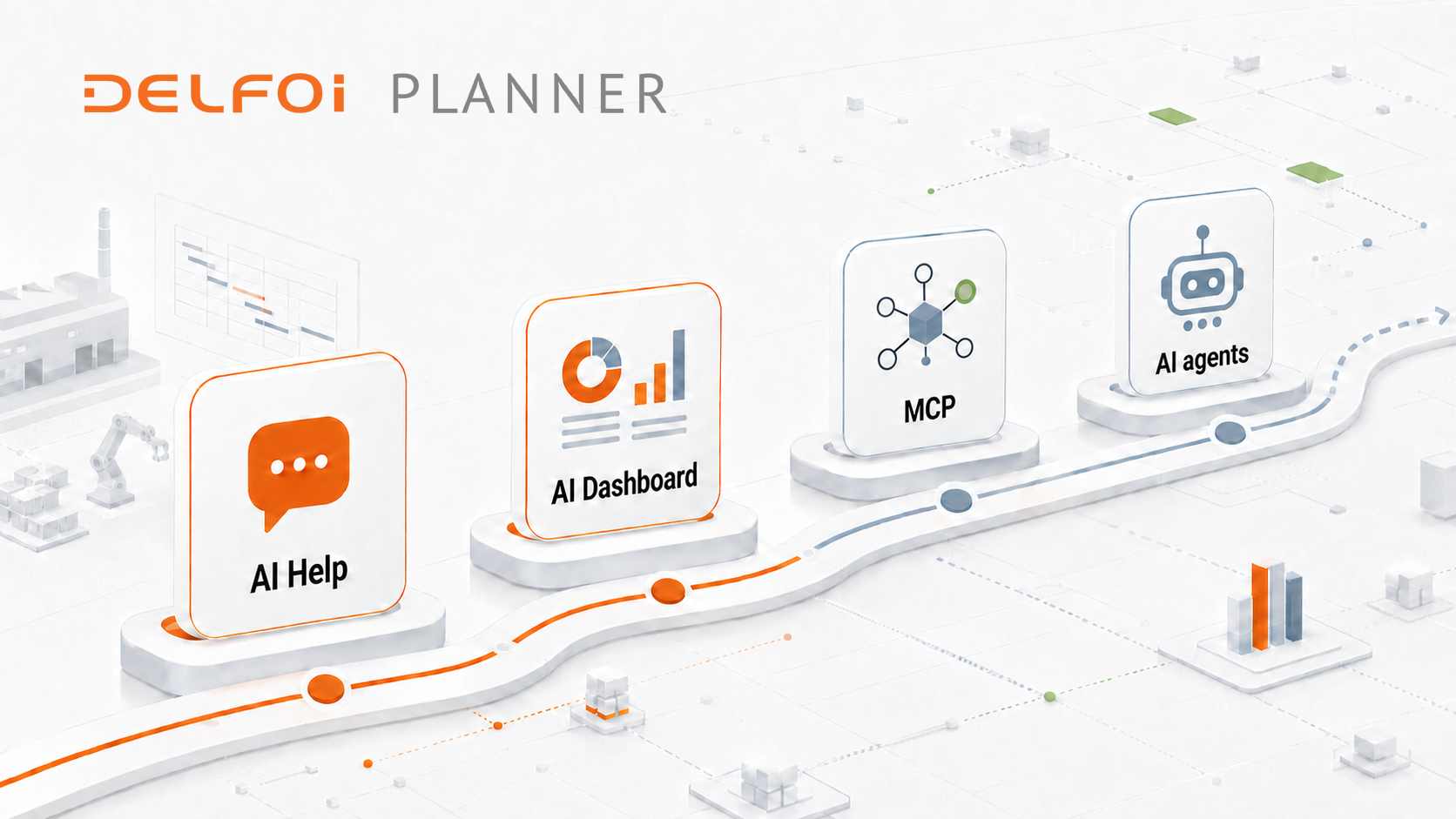
Looking ahead, advancements in artificial intelligence (AI), machine learning (ML), and cloud computing will further revolutionize real-time synchronization in Dynamics 365. AI-driven predictive analytics will enhance forecasting accuracy, while ML algorithms will automate and optimize synchronization processes even further. Cloud technologies will facilitate easier scalability and more efficient data management.
We are at the forefront of these innovations, continuously evolving our offering to integrate advanced planning, finite scheduling, and manufacturing execution systems (MES). As real-time production planning tools become more deeply embedded in manufacturing operations, organizations that invest in robust integration architecture today will be better positioned to adopt these capabilities as they mature. Actively monitoring emerging synchronization technologies and building strong partnerships with experienced providers are practical steps toward maintaining a competitive advantage in an increasingly data-driven manufacturing landscape.