NetSuite does not support true finite capacity scheduling out of the box. Its native manufacturing module plans with infinite capacity, meaning it schedules work orders based on due dates and routings without checking whether machines, operators, or tooling are actually available at the required time. For manufacturers with complex constraints, this gap matters — and it is the reason many NetSuite users look to dedicated advanced planning and scheduling (APS) tools to fill it.
What does finite capacity scheduling actually require?
Finite capacity scheduling is a planning method that builds a production schedule by treating every resource — machines, operators, tooling, floor space — as a constraint with a fixed, limited capacity. Rather than assuming unlimited availability, a finite scheduler allocates work to specific resources only when they are genuinely free, producing a schedule that reflects what the shop floor can actually execute.
To qualify as true finite capacity scheduling, a system needs to do several things simultaneously:
- Maintain a real-time model of resource availability, including shifts, downtime, and competing work orders
- Sequence operations based on priority rules, due dates, and bottleneck logic
- Respect material availability alongside machine and labor constraints
- Recalculate and resequence dynamically when disruptions occur — a breakdown, a rush order, a late delivery
- Write achievable, constraint-aware dates back to the order level
The distinction between finite and infinite planning is not a minor technical detail. A schedule built without finite capacity checks can look perfectly valid in the system while being completely unexecutable on the floor. Dates collapse the moment they meet real-life constraints, and planners spend their days firefighting rather than planning.
What production scheduling features does NetSuite include natively?
NetSuite’s native manufacturing capabilities cover the core building blocks of production management. The platform includes work orders, bills of materials, routings, work centers, and basic capacity views. These features are sufficient for straightforward manufacturing environments where order volumes are low and resource contention is limited.
Specifically, NetSuite natively supports:
- Work order creation and release tied to sales orders or demand signals
- Routing definitions that assign operations to work centers with standard run times
- Basic work center capacity planning that shows load against a defined capacity figure
- Manufacturing execution tracking to record completions and labor time
- MRP-style demand netting that calculates what needs to be produced and when
These are valuable features for production visibility and order management. The challenge is that the scheduling logic underneath them is infinite capacity by design. NetSuite calculates start and end dates for operations based on routing times and due dates, but it does not check whether the relevant work center is already loaded. Two work orders can occupy the same machine at the same time in the plan without the system raising a flag.
Where does NetSuite fall short for finite scheduling?
The core shortfall in NetSuite finite capacity scheduling is that the system plans without constraint awareness. Work orders are backward-scheduled from due dates using standard routing times, and the system assumes every resource is available whenever it is needed. The resulting schedule looks clean in the ERP but frequently breaks down on contact with shop floor reality.
The practical consequences show up in predictable ways:
- Overloaded work centers: The plan assigns more work to a machine or cell than its shift capacity allows, with no automatic resequencing to resolve the conflict
- Unrealistic lead times: Promised delivery dates are calculated without accounting for the current queue depth at bottleneck resources
- No dynamic rescheduling: When a machine goes down or a priority order arrives, there is no mechanism to automatically ripple the impact across dependent operations
- Limited sequencing intelligence: NetSuite does not optimize operation sequences to minimize changeovers, reduce setup time, or prioritize by margin or customer
- Tooling and secondary constraints ignored: Constraints beyond the primary work center — specific tooling, qualified operators, fixtures — are not modeled in the scheduling logic
For job shops, make-to-order manufacturers, or any operation with meaningful resource contention, these gaps translate directly into missed deliveries, excess work in progress, and planners spending more time managing exceptions than building reliable schedules.
How do manufacturers extend NetSuite with advanced scheduling?
Manufacturers extend NetSuite for finite capacity scheduling by integrating a dedicated APS solution that sits alongside the ERP and handles constraint-based sequencing. The ERP continues to manage orders, inventory, financials, and master data, while the APS layer takes that data and builds a schedule that respects real machine availability, labor, tooling, and material constraints.
The integration typically works in this direction: NetSuite pushes work orders, routings, and demand signals to the scheduling tool, which then builds a finite, sequenced plan. Achievable start and completion dates are written back into NetSuite, so the rest of the business — purchasing, customer service, shipping — is working from dates that the shop floor can actually meet.
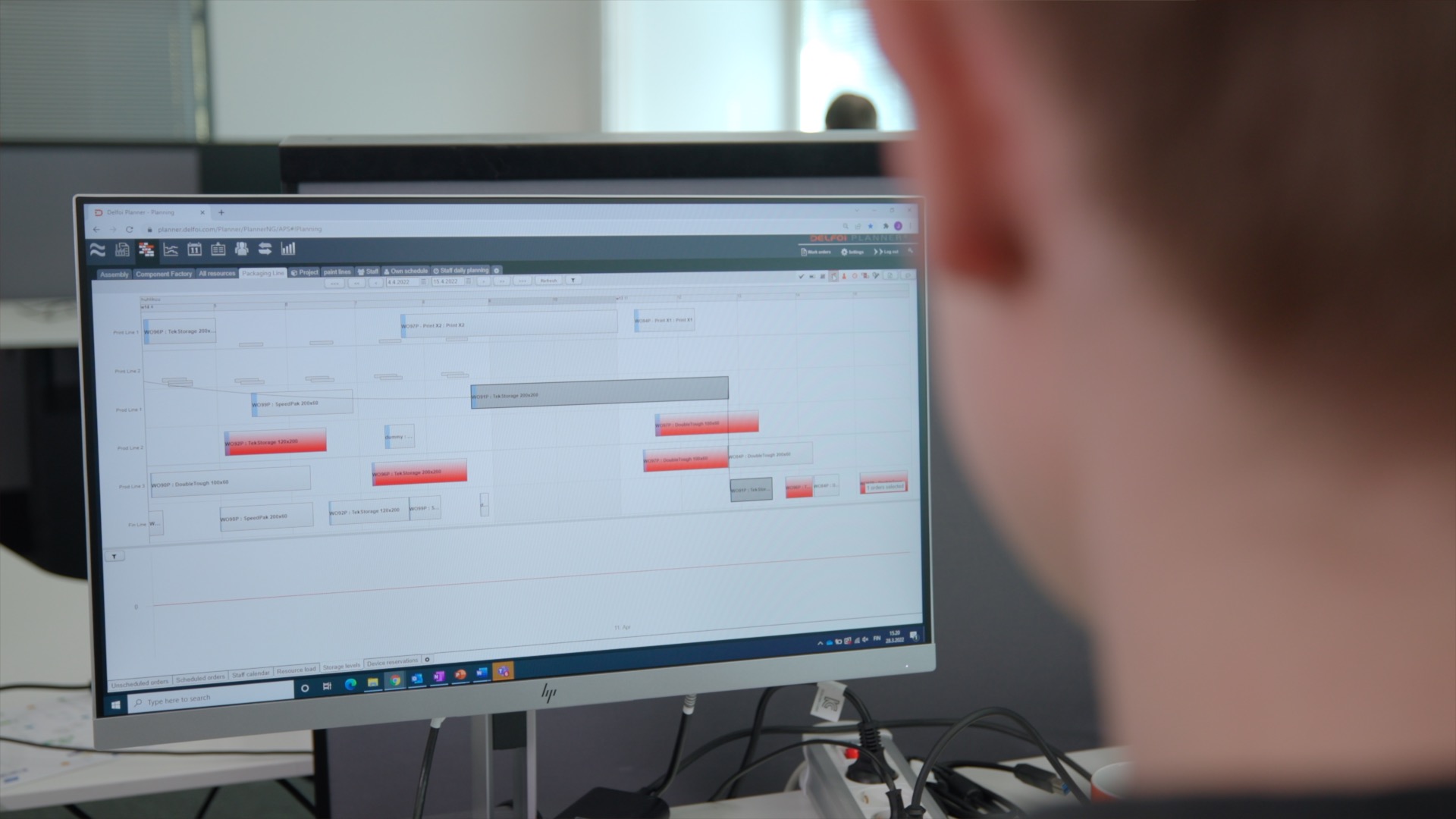
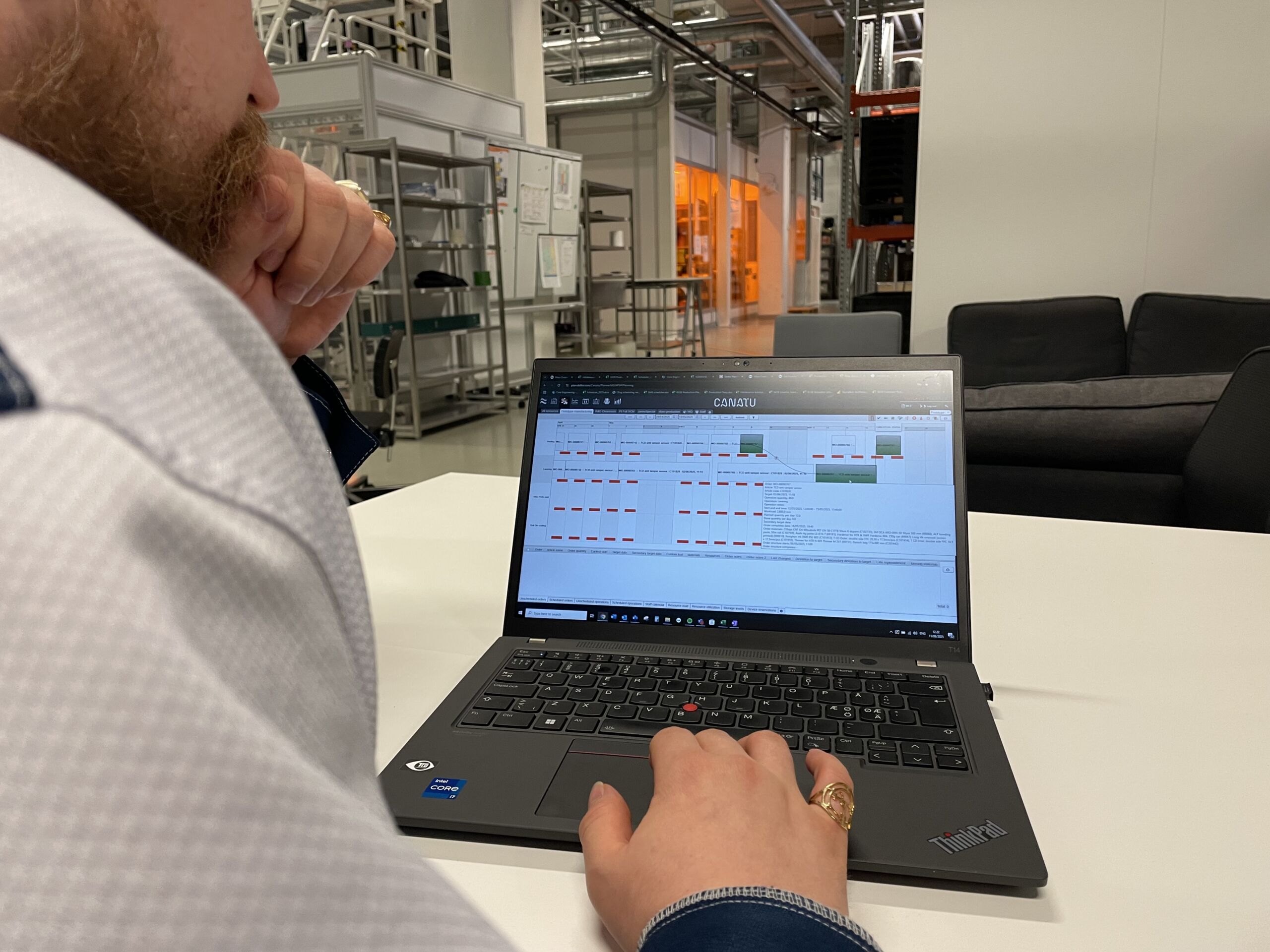
This is exactly the approach we take at Delfoi. Our finite capacity production scheduling solution layers finite, constraint-based planning on top of your existing ERP environment, modeling real machines, materials, tooling, and staff, then feeding confirmed, executable dates back into the system of record. The ERP retains its role as the operational backbone while the APS handles the scheduling complexity that ERP systems are not designed to solve.
The benefits of this architecture are significant. Planners get a single, prioritized sequence across the shop floor. Bottlenecks become visible before they cause delays. When a disruption occurs, rescheduling is a matter of minutes rather than hours of manual recalculation.
When should a NetSuite user consider a separate APS solution?
A NetSuite user should consider a dedicated APS solution when the native scheduling logic consistently produces plans that the shop floor cannot execute. If planners are regularly overriding system dates, if on-time delivery performance is under pressure, or if scheduling is happening primarily in spreadsheets rather than in the ERP, those are clear signals that the built-in tools have reached their limit.
More specifically, the case for a separate finite scheduling tool becomes strong when any of the following apply:
- The operation has multiple competing work orders sharing the same bottleneck resources
- Changeover times, sequence-dependent setups, or tooling constraints meaningfully affect throughput
- Customer delivery promises need to be based on confirmed capacity rather than standard lead times
- The planning team spends significant time each day resolving conflicts that the ERP did not catch
- The business is growing in volume or complexity faster than manual scheduling methods can scale
It is worth noting that adding an APS is not a replacement for NetSuite — it is a complement to it. The ERP handles what it does well: order management, inventory, procurement, financials, and compliance. The APS handles what requires constraint-aware optimization. In 2026, with supply chains still subject to frequent disruption and customer expectations for delivery accuracy continuing to rise, the combination of a robust ERP and a capable finite scheduler is increasingly the standard for competitive manufacturers rather than the exception. Contact our team to discuss your scheduling needs.