Manufacturing operations have grown increasingly complex, yet many NetSuite manufacturers still rely on spreadsheets and text-based reports to manage their production schedules. While NetSuite provides robust ERP functionality for managing business processes, its native planning capabilities often leave manufacturers struggling with visibility gaps that impact their ability to respond quickly to changing demand.
The challenge becomes particularly acute when dealing with multi-site operations, fluctuating customer requirements, and supply chain disruptions. Visual planning tools have emerged as a critical complement to NetSuite’s core functionality, offering manufacturers the real-time transparency and agile scheduling capabilities they need to optimise production efficiency.
This article explores why NetSuite manufacturers are increasingly turning to visual planning solutions, examining the specific limitations they face and the transformative impact that visual planning tools can have on manufacturing operations. You’ll discover the essential components of effective visual planning systems and gain practical insights for implementing these solutions within your NetSuite environment.
The planning limitations NetSuite manufacturers face
NetSuite excels at managing transactional data and business processes, but its native planning interface presents significant challenges for complex manufacturing operations. The system’s text-based work order displays and tabular reports make it difficult for planners to quickly assess production capacity, identify bottlenecks, or understand the ripple effects of schedule changes across interconnected operations.
Manufacturing planners often struggle with resource visualisation challenges when using NetSuite’s standard interface. Critical information about machine availability, labour capacity, and material constraints remains buried in separate screens and reports. This fragmented view forces planners to mentally piece together complex relationships between resources, orders, and timelines—a process that’s both time-consuming and prone to errors.
The real-time planning limitations become particularly problematic when urgent changes arise. A rush order, equipment breakdown, or material shortage requires immediate schedule adjustments, but NetSuite’s native tools don’t provide the visual context needed for rapid decision-making. Planners must navigate through multiple screens, cross-reference various reports, and manually calculate the impact of proposed changes—often while production teams wait for direction.
These constraints compound in multi-site operations, where coordination between facilities becomes essential. NetSuite’s standard planning interface doesn’t easily show how delays at one location might affect downstream operations at another facility, making it challenging to maintain synchronised production across the entire manufacturing network.
Why visual planning transforms manufacturing operations
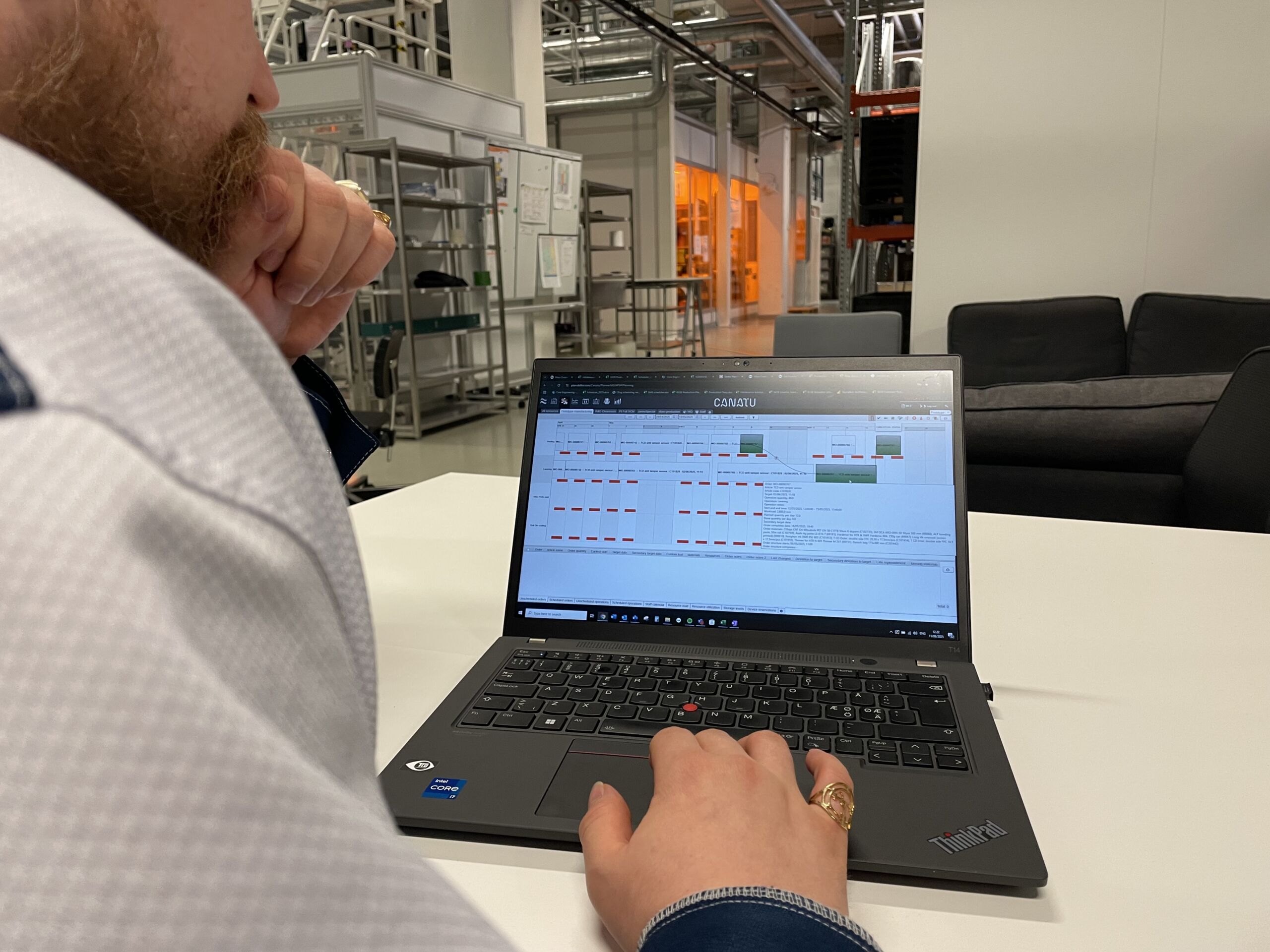
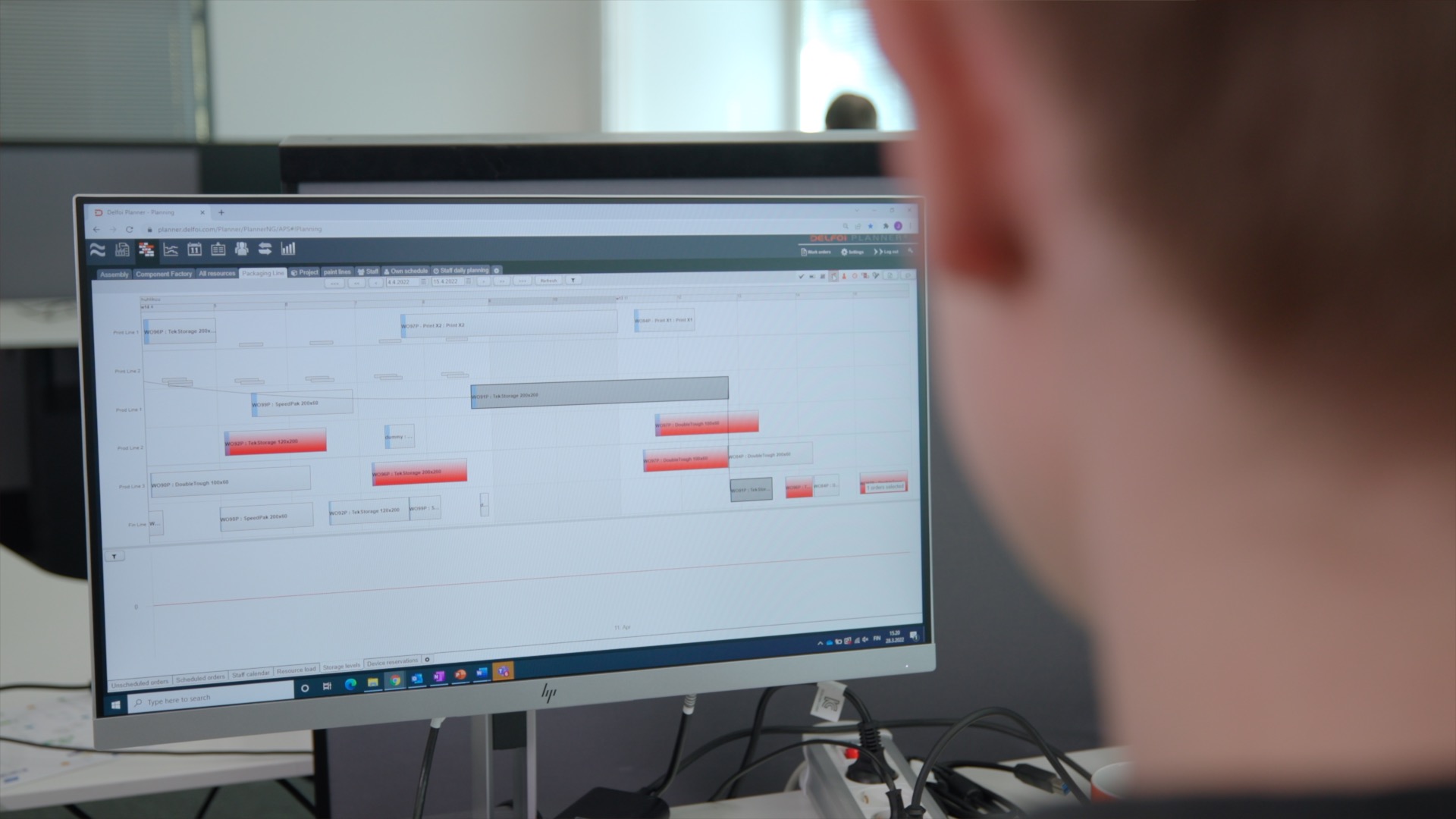
Visual planning tools fundamentally change how manufacturing teams understand and manage their operations by transforming abstract data into intuitive, actionable displays. Instead of scrolling through lengthy work order lists, planners can see their entire production schedule laid out chronologically, with colour-coded indicators showing order status, resource allocation, and potential conflicts at a glance.
The impact on decision-making speed is particularly significant. When a customer requests an expedited delivery, visual planning tools allow planners to immediately assess available capacity, identify potential scheduling conflicts, and evaluate alternative scenarios. What once required extensive manual analysis can now be accomplished in minutes through drag-and-drop scheduling interfaces that show real-time capacity implications.
Cross-departmental communication improves dramatically when teams share a visual representation of production plans. Sales representatives can better understand delivery commitments, maintenance teams can see optimal windows for equipment servicing, and procurement staff can visualise material requirements in context with production timelines. This shared visibility reduces miscommunication and helps align departmental priorities with overall manufacturing objectives.
Visual planning also enhances error reduction by making scheduling conflicts and resource overallocations immediately apparent. Traditional text-based planning systems often hide these issues until they become critical problems, but visual displays highlight potential concerns through colour coding, alerts, and graphical indicators that draw attention to areas requiring intervention.
What makes visual planning essential for modern manufacturing?
Today’s manufacturing environment demands unprecedented responsiveness and flexibility. Customer expectations for customised products, shortened lead times, and reliable delivery dates have created operational complexity that exceeds the capabilities of traditional planning approaches. Supply chain volatility adds another layer of complexity, requiring manufacturers to continuously adapt their production schedules based on material availability and supplier performance.
Multi-site operations present particular challenges that visual planning addresses effectively. Modern manufacturers often operate across multiple locations, each with unique capabilities, capacity constraints, and customer commitments. Coordinating production across these sites requires a comprehensive view that shows how decisions at one facility impact operations throughout the network.
The customisation demands of modern manufacturing also necessitate visual planning approaches. When producing engineered-to-order products or managing complex product configurations, planners need to understand the intricate relationships between different production stages, resource requirements, and delivery commitments. Visual planning tools make these relationships explicit and manageable.
Manufacturing complexity has reached a point where traditional planning methods simply cannot provide the visibility and agility required for competitive operations.
Real-time responsiveness requirements have become non-negotiable in many industries. Equipment failures, quality issues, or urgent customer requests demand immediate schedule adjustments that minimise disruption while maintaining delivery commitments. Visual planning tools enable this level of responsiveness by providing planners with the contextual information needed for rapid, informed decision-making.
Key components of effective visual planning systems
Effective visual planning systems integrate several essential elements that work together to provide comprehensive production visibility. Interactive Gantt charts form the foundation of most visual planning interfaces, displaying production schedules chronologically while allowing planners to adjust timelines through intuitive drag-and-drop functionality. These charts show task dependencies, critical paths, and resource assignments in a format that’s immediately comprehensible.
Capacity visualisation displays complement scheduling charts by showing resource utilisation across different time periods. These displays help planners identify underutilised capacity, prevent resource overallocation, and balance workloads across available equipment and personnel. Colour-coded indicators typically show capacity levels, making it easy to spot potential bottlenecks or opportunities for optimisation.
Real-time status indicators ensure that visual displays reflect current operational conditions rather than outdated planning assumptions. Integration with shop floor systems, quality management tools, and inventory systems provides continuous updates on order progress, material availability, and equipment status. This real-time connectivity prevents planning decisions based on obsolete information.
Integration capabilities represent perhaps the most critical component of visual planning systems for NetSuite manufacturers. Solutions like Delfoi Planner for NetSuite demonstrate how visual planning tools can seamlessly connect with ERP master data, automatically synchronising bills of materials, routings, work orders, and resource calendars to ensure planning accuracy while eliminating manual data entry.
Strategic considerations for visual planning implementation
Successful visual planning implementation requires careful evaluation of integration requirements with existing NetSuite workflows. The most effective solutions integrate directly with NetSuite’s master data structures, ensuring that planning decisions reflect accurate information about product configurations, resource capabilities, and customer commitments. This integration eliminates the need for duplicate data entry while maintaining consistency between planning and execution systems.
User adoption factors play a crucial role in implementation success. Visual planning tools should complement existing workflows rather than requiring complete process overhauls. The most successful implementations introduce visual capabilities gradually, allowing planning teams to become comfortable with new interfaces while maintaining familiar NetSuite processes for transaction management and reporting.
Scalability considerations become particularly important for growing manufacturers or those with seasonal demand variations. Visual planning systems should accommodate increasing data volumes, additional production sites, and expanding product portfolios without performance degradation. Cloud-based solutions often provide the flexibility needed to scale planning capabilities alongside business growth.
Change management approaches must address both the technical and cultural aspects of visual planning adoption. Training programmes should focus on demonstrating immediate value rather than simply explaining new features. Successful implementations often identify planning champions who can advocate for visual planning benefits while helping colleagues navigate the transition from traditional planning methods.